Every month I build (at least) one playlist in Apple Music, which is fine until someone asks me to share it. Unfortunately, Music links don’t work for anyone without a subscription (looking at you, Spotify friends), and sending a screenshot of the list is useless because people can’t actually listen to the songs. So I went on another side quest and built something.
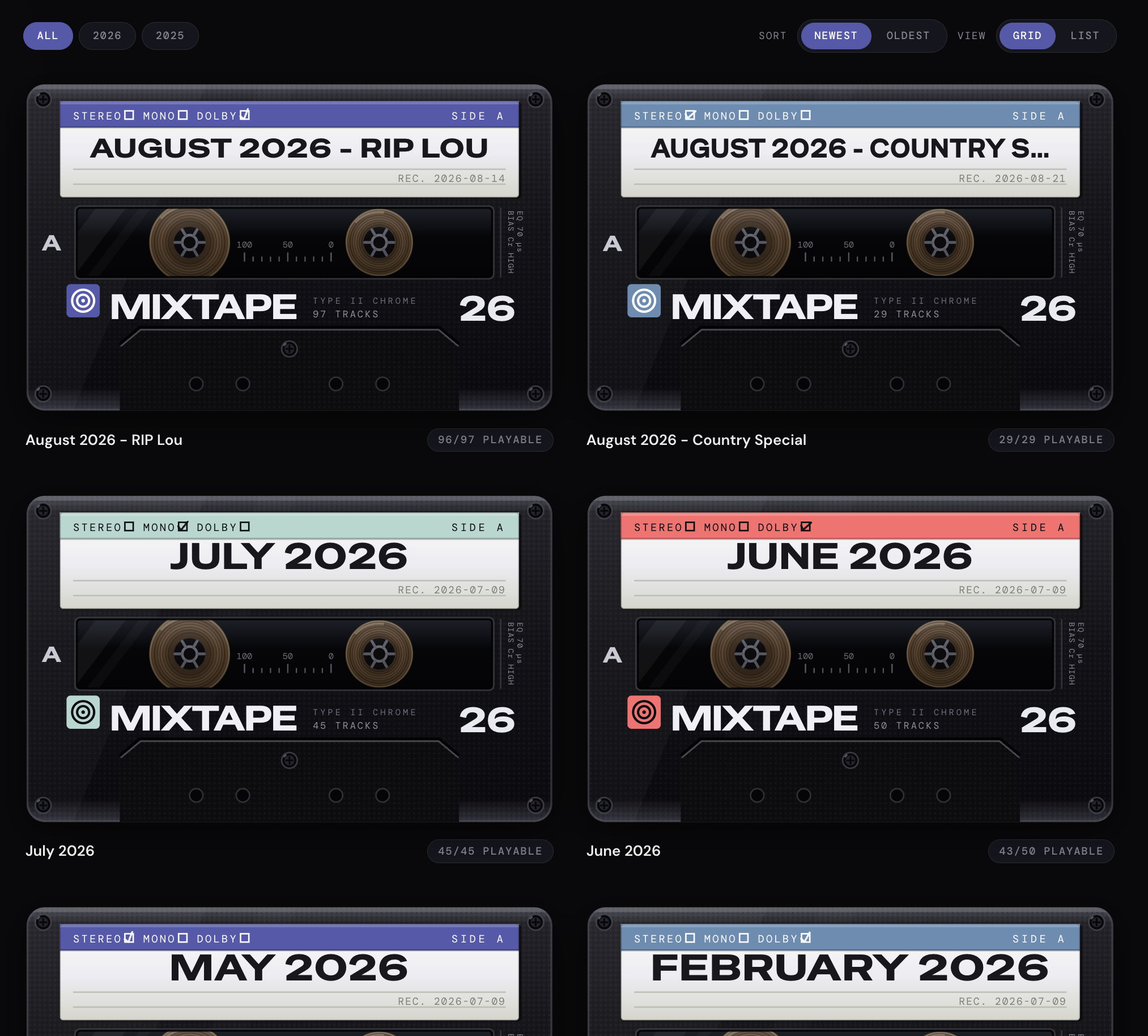
As usual, I started with an over-engineered system (thanks Opus 5 for never pushing me toward a simple solution) before I realized I didn’t actually need a database or an API. For once, no framework, no database, no dependencies, just a package.json with a scripts block. Two JavaScript files, a couple of markdown files, and one big HTML template.
How it works
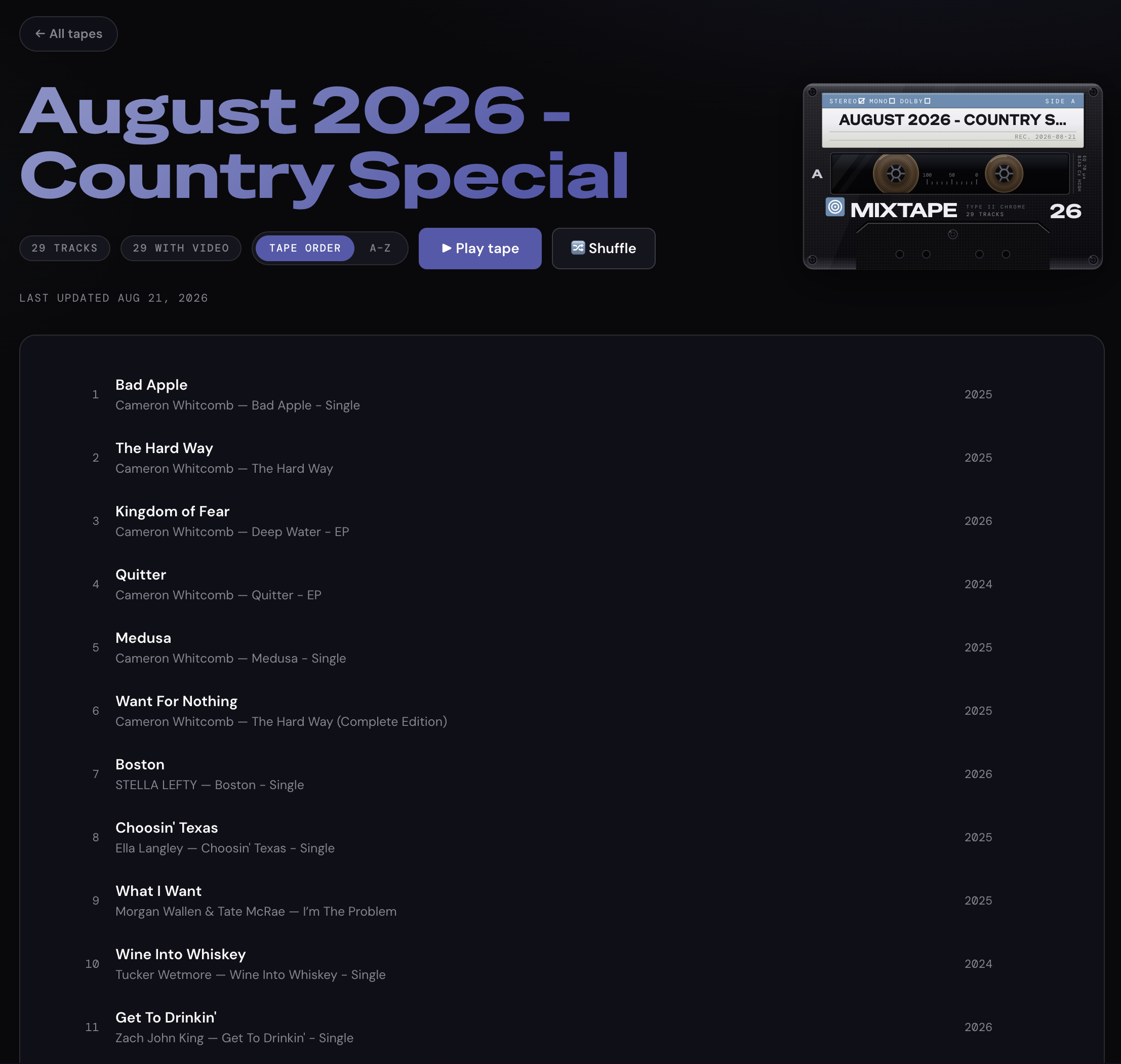
TLDR: It reads playlists out of the macOS Music app, finds the tracks on YouTube, writes everything to Markdown, and bakes those files into one self-contained HTML page that looks like a shelf of cassette tapes. I host it as a website, but I can even email it to friends since it’s just a single .html file.
- Ask the Music app for the songs. Uses AppleScript to extract the title, artist, album, and year for every track.
on run argv
  set playlistName to item 1 of argv
  set separator to item 2 of argv
  set outputText to ""
  tell application "Music"
    set selectedPlaylist to first user playlist whose name is playlistName
    repeat with musicTrack in tracks of selectedPlaylist
      set outputText to outputText ¬
        & (name of musicTrack) & separator ¬
        & (artist of musicTrack) & separator ¬
        & (album of musicTrack) & separator ¬
        & (year of musicTrack) & linefeed
    end repeat
  end tell
  return outputText
end run- Find the songs on YouTube. Searches the track on YouTube using yt-dlp, then saves the URL. This makes the playlist playable for people who don’t have Apple Music.
import { execFile } from "node:child_process";
import { promisify } from "node:util";
const exec = promisify(execFile);
async function findYouTubeLink({ artist, name }) {
  const query = `ytsearch1:${artist} ${name} official audio`;
  try {
    const { stdout } = await exec(
      "yt-dlp",
      [
        "--print", "%(id)s\t%(title)s",
        "--skip-download",
        "--no-warnings",
        query,
      ],
      { maxBuffer: 8 * 1024 * 1024 }
    );
    const [videoId, videoTitle] = stdout.trim().split("\t");
    if (!videoId) return null;
    return {
      url: `https://www.youtube.com/watch?v=${videoId}`,
      title: videoTitle || null,
    };
  } catch {
    return null;
  }
}- Write everything to
.mdfiles. Songs information are written and persisted into Markdown tables (one file per playlist) instead of a database. - Build the web page. Reads all the Markdown files, plugs them into the template, and builds a self-contained HTML file of my entire virtual cassette shelf.
What I learned in the process
- I often forget that AppleScript lets you easily interact with applications on your Mac. It’s not as practical as an API for fetching playlists, but it’s super fast, doesn’t need an internet connection, and doesn’t require an API key.
- Simpler pipeline design and fewer moving parts make for a project that’s easier to maintain. (+ it’s really fast to run and build).
- Apple Music not having an API is probably the only reason this stayed simple. If I’d stuck with Spotify, I’d have gone straight for the real API and built something twice as complicated for the same result.
- I assumed the YouTube lookups would be the painful bit (API keys, quotas, an OAuth dance) and it ended up being one command with no account at all.
- YouTube isn’t all fun and games, though. I ran into a few limitations: when the page is hosted, songs play right inside it, you click a track and the YouTube player runs without leaving the page. Open that same html file straight off your desktop and YouTube refuses to load the player at all, so each track turns into a plain link that opens YouTube in a new tab instead.
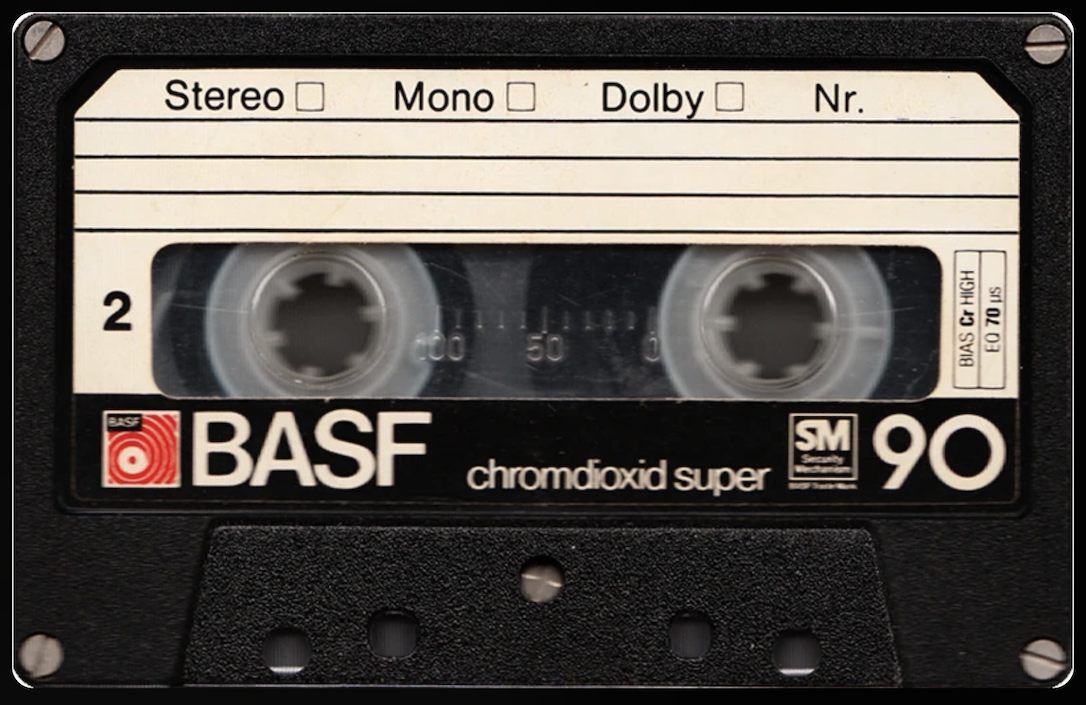
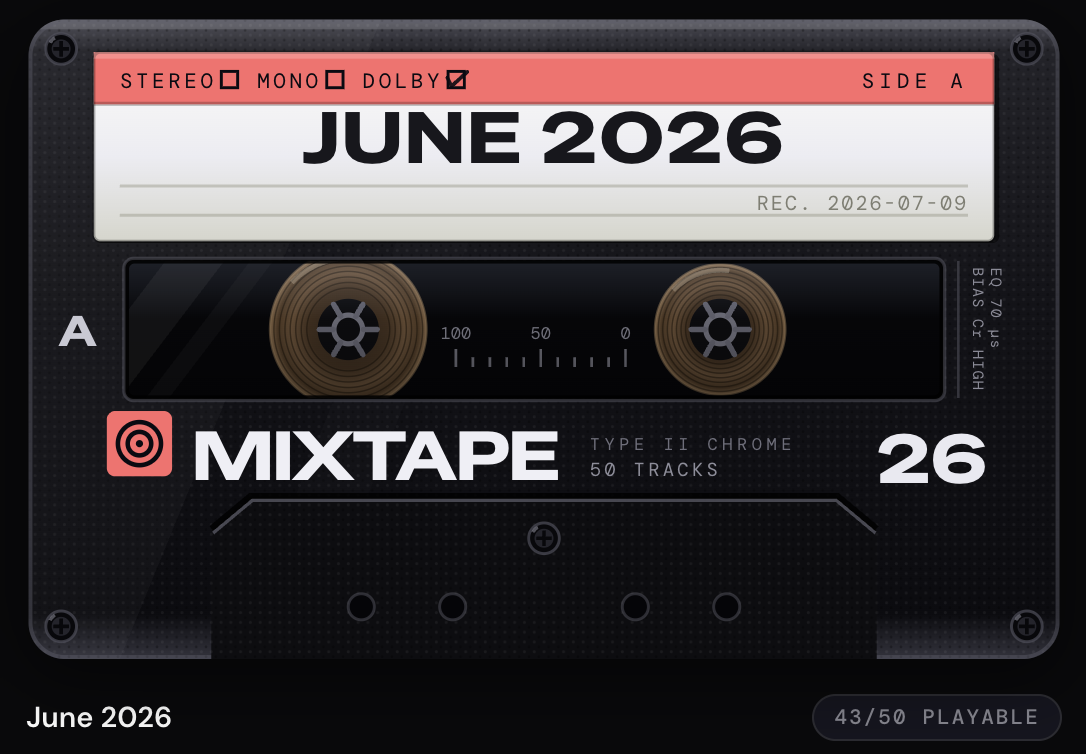
- Apparently, Opus 5 is great at turning photos into photorealistic-ish SVGs. See below 👇
Original pic I fed Claude:
Final result in SVG + CSS:
The best part of keeping my projects this simple is that they’re quick to get off the ground and easy to maintain. A surprising number of my problems can be solved with a couple of simple scripts and some plain text files. The less time I spend building and maintaining infrastructure and complexity I don’t need, the more time I get to spend making weird little things like this.